Need help? Chat us:

+91 7607404628

Menu Categories

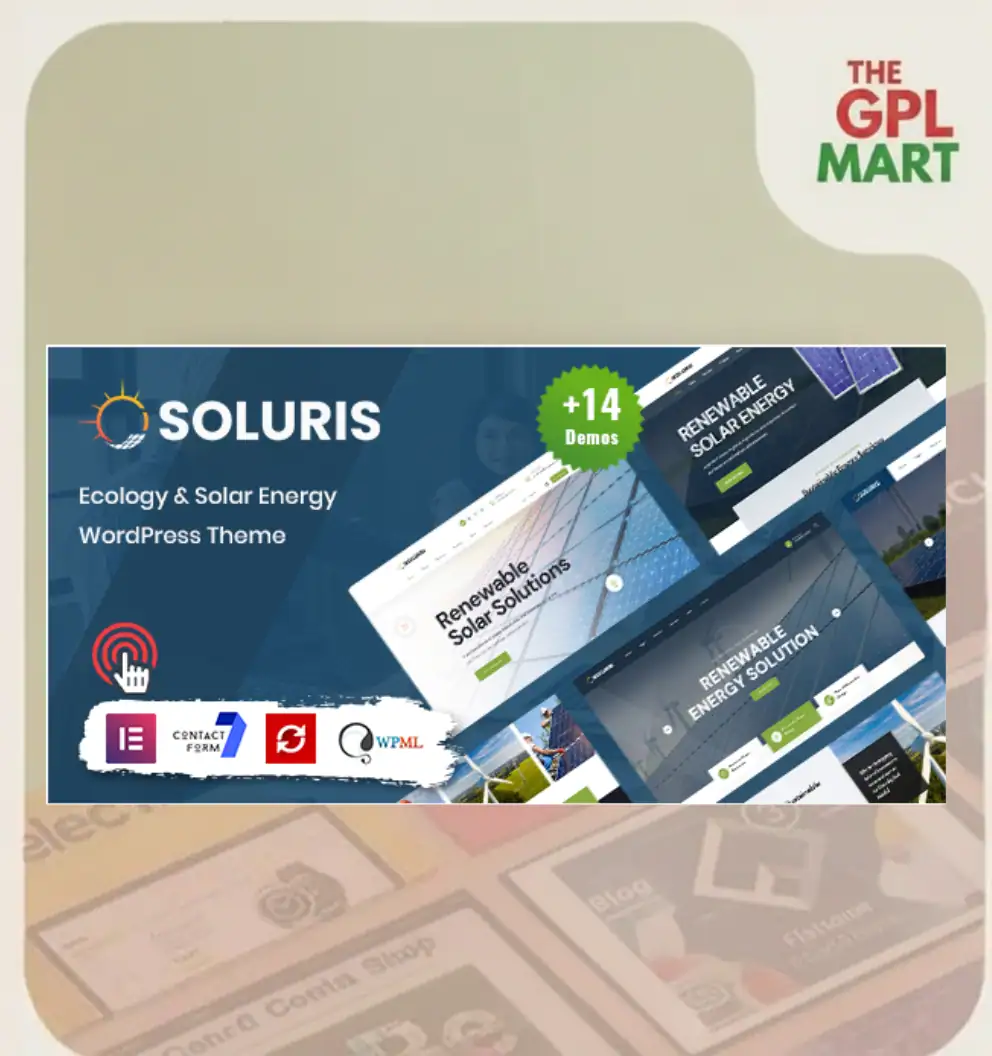
Soluris – Ecology & Solar Energy WordPress Theme

Version
v1.0.0
Sale 91%
GPL LICENSE

Included With Your Purchase

  • 1 Year Automatic Updates
  • Use on Unlimited Websites
Last scanned on 15/01/2026
VirusTotal Scan Not Available
Sold in Last Month 76
File Status Safe & Secure
Have a problem? 🐞 Report

Single Purchase

Download and use this product forever with a one-time payment.

91% OFF

Original price was: ₹2,300.00.Current price is: ₹199.00.

🔥 36 items sold in last 3 hours
    • /-
or

Membership Purchase

Unlock all themes and plugins on the site with one affordable membership.

₹999/Month

42 people are viewing this product right now

📌Automatic Updates:Product updates are delivered automatically via the GPL Mart Updater Plugin directly within your WordPress dashboard. While installation is permitted on unlimited websites, automatic updates are supported on one registered domain per license.

Instructions

Plugin Installation & Usage Guide

What You'll Need
After downloading from our website, first unzip the file. Inside, you may find extra items like templates or documentation. Make sure to use the correct plugin/theme file when installing.
1
Unzip the Plugin File

Find the plugin's .zip file on your computer. Right-click and extract its contents to a new folder.

2
Upload the Plugin Folder

Navigate to the wp-content/plugins folder on your website. Then upload the unzipped plugin folder.

3
Activate the Plugin

Go to WordPress Dashboard → Plugins → Click Activate to finish installation.

Activation Screen

Theme Installation & Usage Guide

+
Important Information
This guide explains the recommended process for installing WordPress themes downloaded from The GPL Mart. Follow each step carefully to ensure a successful deployment.
1
Download the Theme Package

Log in to your The GPL Mart account and download the latest version of the theme package. The downloaded archive may contain documentation, demo files, child themes, or additional resources.

Store the downloaded package in a secure location on your computer before proceeding to installation.

2
Verify the Package Structure

If the downloaded archive contains multiple files, extract the package first and locate the actual WordPress theme installation file.

Most premium themes include both a Main Theme package and a Child Theme package. Ensure you identify the correct installation files before uploading them to WordPress.

3
Access Theme Management

Sign in to your WordPress administration panel using an account with administrator privileges.

Navigate to: Appearance → Themes

Click the Add New Theme button located at the top of the screen.

4
Upload and Install the Theme

Click Upload Theme, select the theme ZIP file from your computer, and click Install Now.

WordPress will upload the archive, verify the package, and automatically install the theme files.

5
Configure Child Theme (Recommended)

If your package includes a Child Theme, install the Main Theme first without making customizations.

Next, upload and activate the Child Theme. This approach ensures that future updates do not overwrite your custom modifications, styles, or template changes.

6
Activate the Theme

Once installation is complete, click the Activate button to make the theme live on your website.

After activation, you may proceed with importing demo content, configuring theme options, installing required plugins, and customizing your website appearance.

Best Practice
For long-term maintainability, always use the Child Theme for customizations and keep the Main Theme updated to the latest version whenever new releases become available.

Description

Soluris is a modern and eco-friendly WordPress theme specially designed for renewable energy, solar power companies, environmental projects, and green technology businesses. With its clean design and professional layout, Soluris helps you build trust and showcase your sustainability mission effectively.

The theme comes with fully responsive layouts that look great on all devices, ensuring a smooth user experience on mobile, tablet, and desktop. Soluris is built with Elementor, allowing easy drag-and-drop customization without coding. It also includes pre-designed templates for services, projects, team members, and blogs, helping you launch your website quickly.

Optimized for speed and SEO, Soluris helps your website rank better on search engines while delivering fast performance. It is compatible with WooCommerce, making it easy to sell eco products or services online.

Key Features:

  • Clean and eco-friendly design

  • Elementor drag-and-drop page builder

  • Fully responsive and mobile-ready layout

  • SEO and performance optimized

  • WooCommerce compatibility

  • One-click demo import

  • Easy customization and theme options

  • Regular updates and professional support

Reviews

There are no reviews yet.

Be the first to review “Soluris – Ecology & Solar Energy WordPress Theme”

Your email address will not be published. Required fields are marked

Instructions

GPL LICENSE

Included With Your Purchase

  • 1 Year Automatic Updates
  • Use on Unlimited Websites
Last scanned on 15/01/2026
VirusTotal Scan Not Available
Sold in Last Month 76
File Status Safe & Secure
Have a problem? 🐞 Report

Single Purchase

Download and use this product forever with a one-time payment.

91% OFF

Original price was: ₹2,300.00.Current price is: ₹199.00.

🔥 36 items sold in last 3 hours
    • /-
or

Membership Purchase

Unlock all themes and plugins on the site with one affordable membership.

₹999/Month

42 people are viewing this product right now

Related Products

WP Rocket Plugin v3.20.1.2

Original price was: ₹4,599.00.Current price is: ₹199.00. Buy Now

Elementor Pro Page Builder gpl

Original price was: ₹3,500.00.Current price is: ₹199.00. Buy Now

WoodMart Theme

Original price was: ₹4,500.00.Current price is: ₹299.00. Buy Now

XStore Theme

Original price was: ₹3,400.00.Current price is: ₹199.00. Buy Now
50% OFF
Select your currency